
Weapons Detection and Wireless Security — Built in Phases
Weapons detection screening at the door. AI gun detection on the cameras you already own. And the wireless threats no school network filter can see.
SAFE Perimeter is layered school security.
Layered Security, in Plain Terms
Most districts answer the first two well and cannot answer the last two at all.
Weapons Detection
Screening at entries and event gates, plus camera detection past the door.
Cameras & Access
Doors, visitors, and cameras connected so a badge read and a camera view are one record.
Cyber & Wireless
Hidden cameras in bathrooms, Meta glasses, fake Wi-Fi from hackers and bad actors, and devices your network filter never sees.
Drone Awareness
What flew over campus, where it went, and where the pilot was standing. Schools and universities can stop drugs, weapons and other nefarious activity on game day and every day.
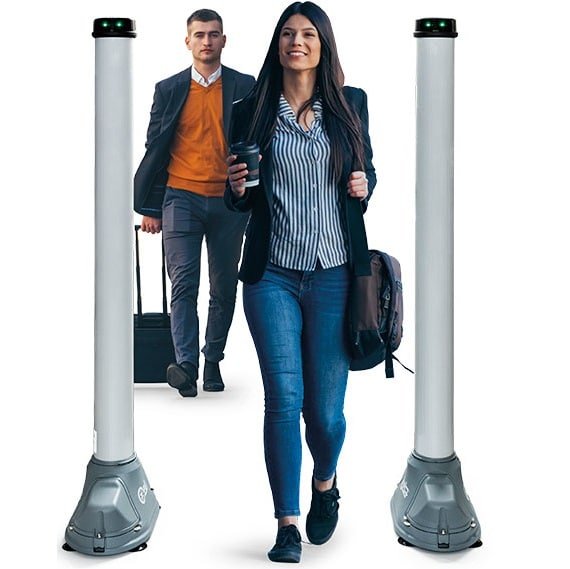
Walk-Through Weapons Detection For Schools That Keeps Entrances Moving
We are vendor-neutral on screening hardware. We select and install the walk-through weapons detection system that fits your entries, your arrival volume and your staffing — then design the lanes so the morning bell still means something.
- Walk-through screening at entries, athletics gates and event venues.
- Lane design how many, where, and how long arrival really takes.
- Camera detection for visible weapons, with software on cameras you already own.
- Staff training so your people run it from day one.
Walk-through covers the entrance you control. Cameras cover everywhere else — the other doors, the bus loop, the stadium on a Friday night.
Software That Watches & Never Sleeps. AI That Learns.
Staff cannot watch every feed. These run on cameras you already own.

Visible Weapon Detection
Alerts within seconds of a firearm appearing on camera, across many feeds at once.
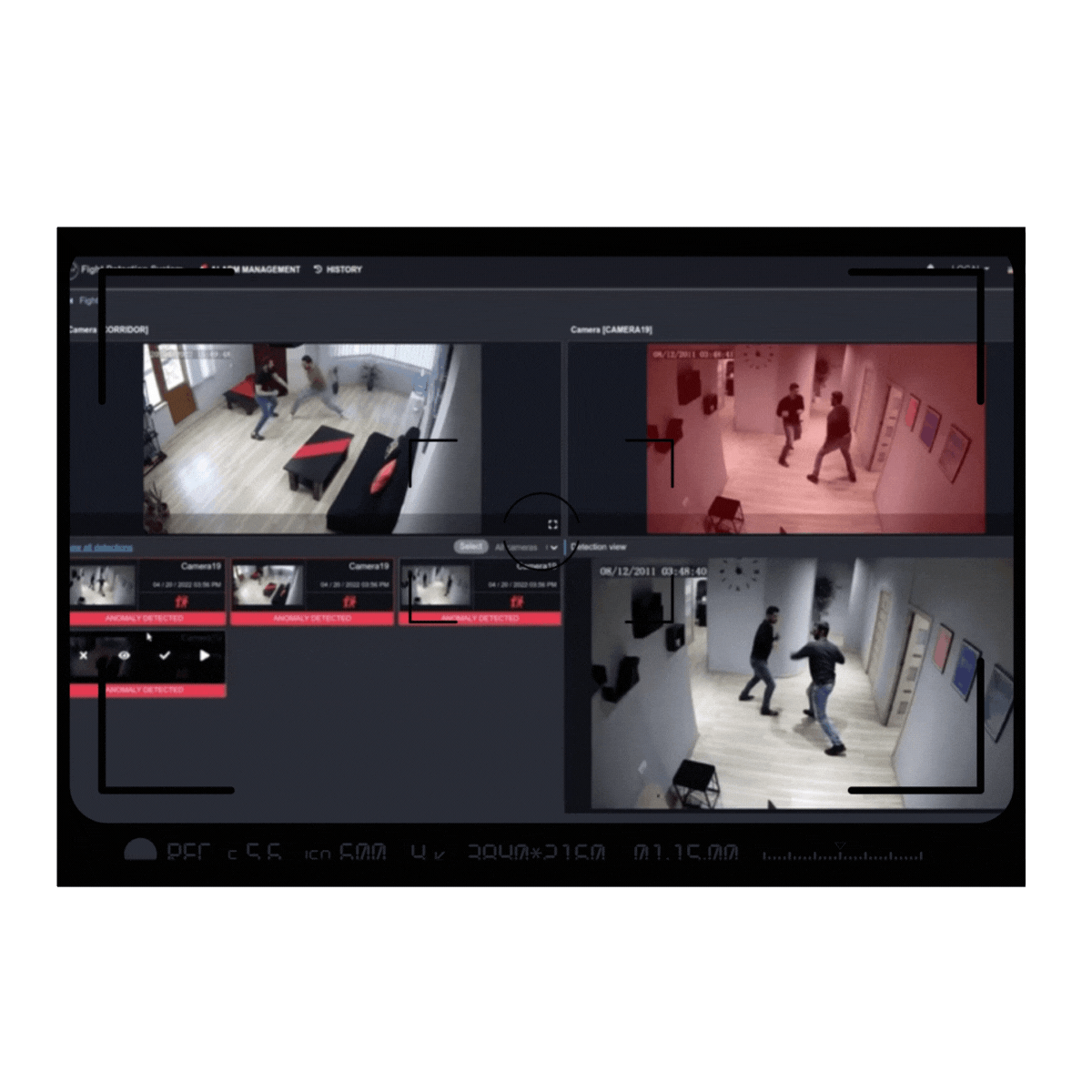
Fight & Behavior Detection
Flags fights in real time so staff reach the hallway before it escalates.
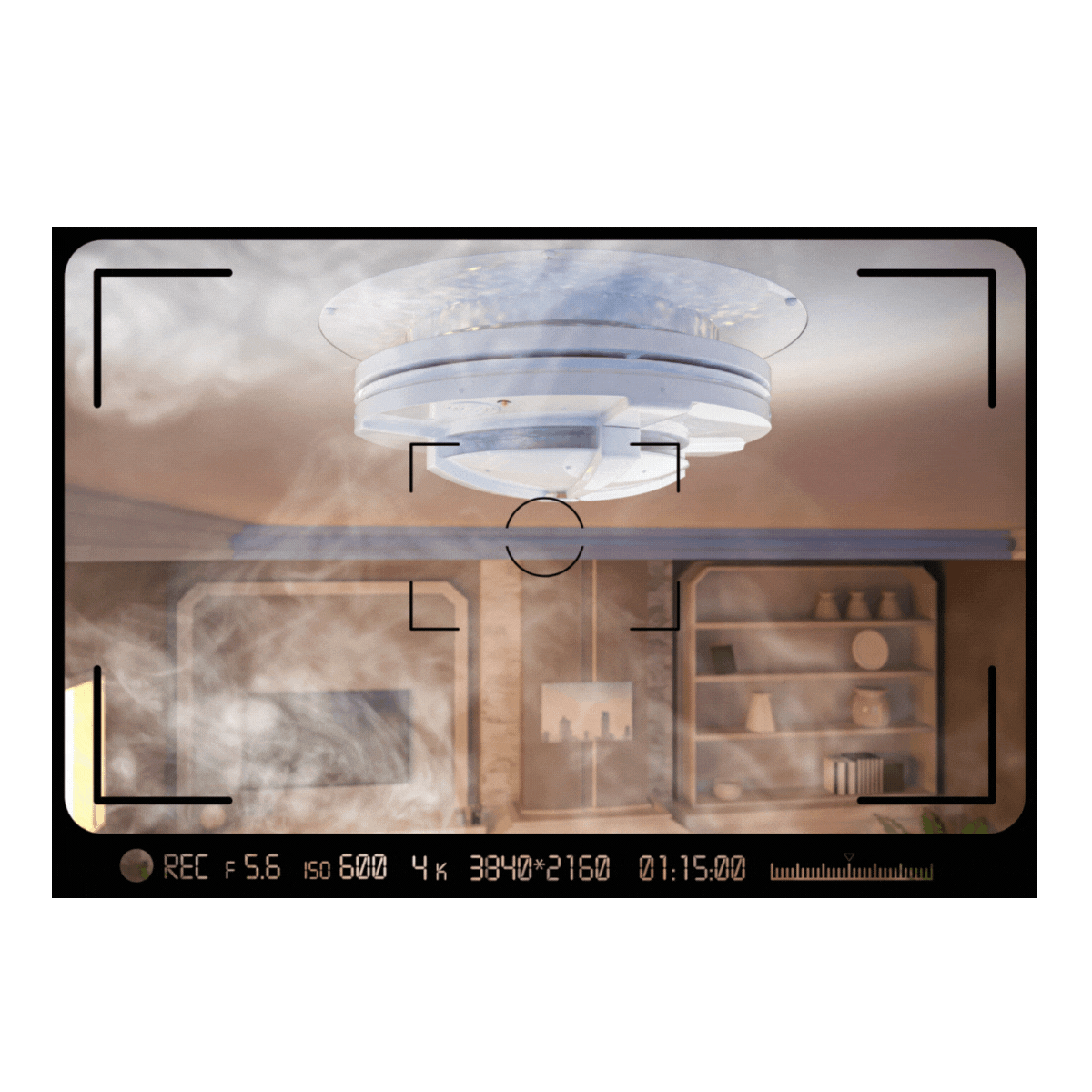
Smoke, Fire & Gunshot
Immediate alerts to your office and first responders.
The Threats Your Network Filter Cannot See
A device does not have to join your network to cause harm on your campus. The moment it doesn't, your existing tools go blind.
- Hidden cameras in locker rooms and restrooms, found by the signal they send.
- Fake Wi-Fi networks impersonating yours to steal logins.
- Hotspots that let a device bypass your content filter.
- Unknown devices in restricted areas, including vendor gear nobody logged.
No messages, no browsing, no names, no software on student devices. The sensors listen only.

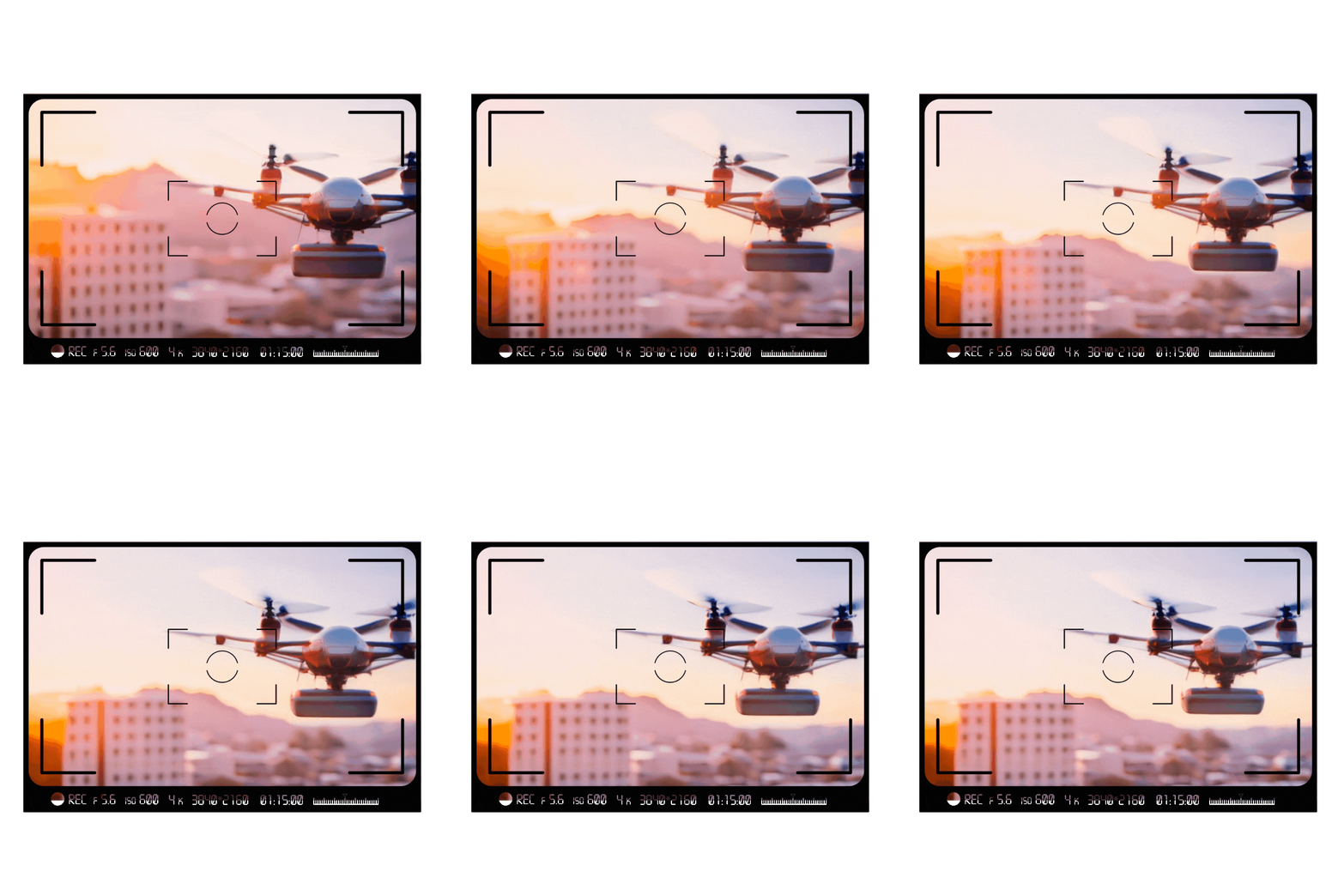
Drones Over Campus
Drones show up over practice fields, stadiums, bus loops and graduations. Most are harmless. Knowing which is which is the whole job.
- Detected before takeoff. The system sees the controller powering up, often while the drone is still on the ground and outside district property.
- Identifies the aircraft. Model, flight path and how long it stayed — so a one-off pass can be told apart from a pattern.
- Locates the pilot. The operator's position is what an SRO can actually act on. A drone overhead is a symptom; a located operator is a conversation.
- Keeps a record. A time-stamped log that supports an incident report or a police referral, rather than a recollection.
You cannot stop, jam or bring down a drone — and neither can anyone else selling to a school district. Interfering with an aircraft in flight is restricted to a few federal agencies, and jamming or shooting at one is a federal offense. Detection, identification and reporting are what a district can lawfully do, and they are more than most campuses can do today.
Districts that need airspace coverage without buying hardware or training operators can start with Drone Detection as a Service — managed detection and reporting on subscription.
ALERT-COM® — Reaching Everyone in Seconds
Detection only matters if people find out fast.
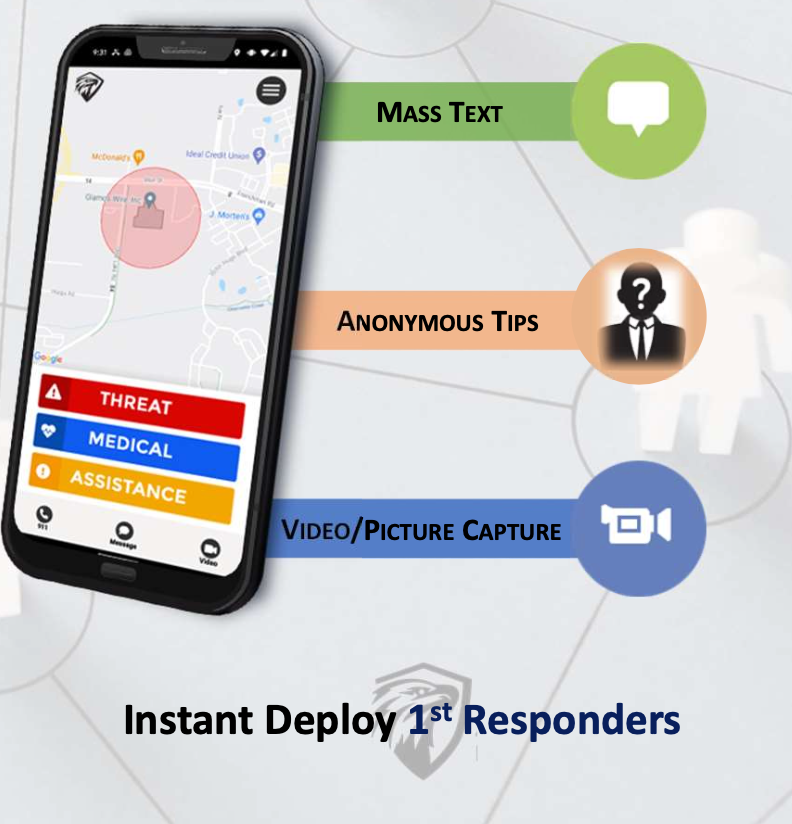
Threat, medical, weather — and anonymous student tips
Responders see where the alert came from on a campus map. Communication runs two ways during an incident, not as a one-way blast. Students can submit tips anonymously by text, with photos.
ALERT-COM® is a registered trademark of its manufacturer. SAFE Perimeter is an authorized reseller and integrator.
School Security FAQ
Will screening slow down arrival?
That depends on lane count and placement, not the equipment. We plan against your real arrival volume before anything is ordered — under-lane a building and the queue outside becomes its own safety problem.
Are you monitoring our students?
No. The sensors see that a device is transmitting, what type it is, and roughly where it sits. No messages, no browsing, no names, no software on student devices. We recommend a written board policy before the first sensor goes in.
Do we have to replace our cameras and doors?
No. Detection software runs on cameras you already own, provided image quality holds at the distances involved, and we integrate with your existing access control. Where equipment cannot carry the load, we tell you early.
Can you stop a drone over our campus?
No, and neither can anyone else selling to a school district. Interfering with an aircraft in flight is restricted to a few federal agencies, and jamming or shooting at a drone is a federal offense. You can lawfully detect it, identify the model, and locate the operator so law enforcement can act.
What is the least expensive place to start?
Usually software on cameras you already own, or wireless monitoring in one area such as a locker room corridor. Both are small enough to fund without a capital project, and both give your board something concrete before you ask for the next phase.
Our state now requires weapons detection. Where do we start?
With the assessment, not the purchase order. Mandates usually say detection must be in place, not which kind or where — and districts that buy first often end up with equipment in the wrong entries.
Related Capabilities
SAFE Perimeter 360°
The full monitoring picture — entry and screening, cameras and access, wireless and airspace in one view, with device policy set area by area.
Drone Detection as a Service
Managed airspace monitoring on subscription — for districts that need coverage without buying hardware or training operators.
Frequently Asked Questions
Screening throughput, privacy, drone authority, cost and where to start — answered in plain terms for administrators.
Start With an Assessment
No obligation, no hardware quote attached. We walk the campus, measure what is there, and tell you what we would do first if it were our budget.
contact@safe-perimeter.com · (404) 590-6258